
User guide
Noise estimation user guide
Aircraft inputs and operating conditions
| Parameter | Description | Unit |
|---|---|---|
| M | Aircraft mass | kg |
| N | Number of rotors: 4 or 6 | — |
| B | Blades per rotor: fixed at 2 | — |
| R | Rotor radius | m |
| R_a | Cylindrical arm radius | m |
| L_a | Arm length | m |
| d_ap | Clearance from the rotor disk to the arm surface | m |
| d_wb | Wheelbase | m |
| d | Distance from the aircraft to the observer directly below | m |
- Select an aircraft to load its parameters, or select “Custom aircraft” and enter the values. Editing a preset switches the selection to Custom aircraft.
- Use kg for mass and m for lengths. Enter the rotor radius for R; divide diameter measurements by 2 before entering them.
- Enter nadir distance d and observer ear height h in metres. The horizontal receiver plane follows h; source height above ground is d + h. Body dimensions L, W and H affect only the 3D view.
Aerodynamic parameters
- C_T is the rotor thrust coefficient and σ is rotor solidity. Both are dimensionless.
- Select “Known value” and enter a positive value when available. Otherwise select “Unknown · range” and enter the lower and upper limits.
- The default ranges are 0.008–0.020 for C_T and 0.07–0.15 for σ. Each parameter can independently use a known value or a range. Range results open on the upper envelope.
- Both limits must be positive, with the lower limit no greater than the upper limit. Equal limits treat the parameter as a fixed value.
Calculation and results
- Select “Calculate levels”. The results panel shows total, tonal and broadband sound pressure levels in dB.
- When a parameter range is used, results show the lower and upper sound levels within that range.
- Expand “Total OASPL directivity” to view levels by direction. θ = 0° is directly below the aircraft, θ = 90° is to the side, and φ is the azimuth angle. Range results provide lower and upper views and a complete numerical table.
- Calculate again after changing inputs. A red ring means the current inputs do not yet have a valid calculation result; a blue ring means the current inputs have been calculated successfully.
- Correct invalid inputs using the messages beside each field; the error summary links to the affected fields. If a request fails, retry it. Entered values and the last successful result are retained.
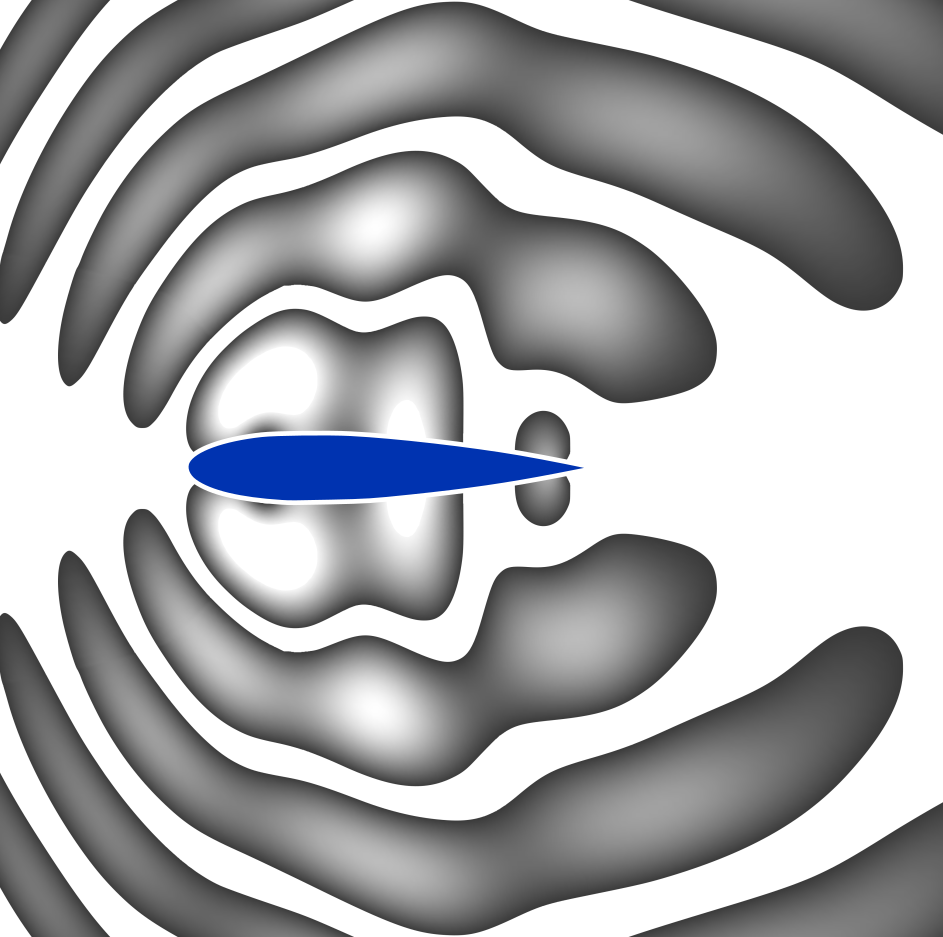
- The directivity plot and its downloads use their own level range. The sphere and receiver plane share a scene range. All views follow the selected palette and continuous or banded display.
- Directivity downloads use input distance d; sphere downloads use the displayed actual radius. The horizontal receiver plane at the selected observer ear height is a free-field direction-and-distance extension, not a prediction of ground reflection.
The sphere uses the scene's distance scale, and sound levels are calculated at its actual radius. This radius does not establish far-field validity.
The spherical cap covers θ = 0–120° from the downward vertical under the model’s uniform-azimuth assumption. The horizontal receiver plane recalculates the nadir model at each slant distance and applies the same directional correction. It is a free-field receiver plane at the selected observer height, not a prediction of ground reflection; atmospheric absorption and obstacles are also excluded.